Recurring appointments that stop missed meds for UK family carers
Steps for UK family carers to set recurring appointments: safe proxy booking, NHS style reminders, and three ready to copy templates.
By The KinCarer team ·
Recurring appointments put a single repeating event on your calendar, so you or another relative never has to rebook the GP check-up, the physio session, or the medication pickup by hand each time. The next step is simple: open your scheduling app or calendar, find the recurrence setting, and create the event once using the right pattern. Family carers benefit most when everyone in a shared care circle sees the same recurring booking.
TL;DR:
- Most calendar tools hide the recurrence option behind the “Does not repeat” dropdown, requiring careful selection of pattern, range, and time zone.
- Daily recurrence suits short-term needs, weekly for ongoing routines, and custom rules for irregular but predictable patterns like sibling visits.
- Using a fixed number of repeats or an end date helps prevent unintended continuous scheduling, especially when daylight saving time shifts occur.
- Delegated proxy access with individual logins minimizes security risks and enhances control over who manages or edits appointments.
- Regular review of templates and assigning a calendar owner ensures recurring schedules stay accurate and prevent missed or overlapping appointments.
Table of Contents
- How do I set up a recurring appointment?
- Which recurrence pattern suits a care schedule?
- How do you book appointments for someone else safely?
- How do you edit, cancel or reschedule without breaking the series?
- What do real recurring appointment templates look like?
- Why recurring appointments matter more than they look
- How KinCarer keeps recurring appointments on track
- Sources
- FAQ
How do I set up a recurring appointment?
Most calendar tools bury the recurrence option one click deeper than the standard “new event” button, so start there rather than searching menus. On Google Calendar and Outlook, you’ll find it as a “Does not repeat” dropdown that changes once you pick a start date. Booking platforms for clinics or care providers usually call it “repeat booking” or “recurring visit” inside the appointment form itself.
The sequence is nearly identical everywhere:
- Pick the start date and time for the first occurrence.
- Choose the recurrence pattern (daily, weekly, monthly or custom).
- Set the range: a fixed number of repeats, an end date, or no end.
- Review and save, checking that the time zone matches where your mum actually lives if you’re booking from elsewhere.
Some booking systems let you reserve several slots in one pass, useful for a course of physiotherapy sessions booked all at once rather than week by week. If the recurrence option is greyed out, it usually means the provider only allows single bookings online and repeat visits need a phone call, or that the slot you’ve chosen clashes with an existing appointment in the system.
Pro Tip: Before saving a new recurring appointment, scroll forward two or three months in the calendar to check nothing else has been booked into those same slots. A quick look now saves an awkward double booking later.
Which recurrence pattern suits a care schedule?
Daily, weekly, monthly and custom rules each solve a different caring problem, and picking the wrong one is how calendars end up cluttered with duplicate reminders nobody reads.
- Daily suits short-term needs, such as a week of daily wound-dressing visits after a hospital discharge.
- Weekly fits ongoing routines like a Tuesday physiotherapy session or a regular respite carer visit.
- Monthly works for prescription collections or a repeat GP medication review.
- Custom rules cover irregular but predictable patterns, such as “every other Saturday” for a sibling visit rota.
On the range, a fixed number of repeats (say, 12 sessions) suits a defined course of treatment. An end date works for anything tied to a known review point, like a three-month care assessment. No end suits permanent routines but needs periodic review, since it can quietly keep generating entries long after a routine has changed. Outlook’s recurrence rules require both a pattern and a range for exactly this reason. Watch for daylight-saving shifts twice a year, which can nudge a recurring slot by an hour if the calendar doesn’t handle time zones correctly, and be wary of rotating carer schedules that don’t map neatly onto a simple weekly rule.
How do you book appointments for someone else safely?
Booking on your mum’s behalf is common, but sharing her login details with three siblings is not the safe way to do it. UK guidance on health and care systems recommends delegated or proxy access rather than shared passwords, precisely because multiple people using one login makes it harder to control who saw what, and harder to revoke access cleanly if a relationship changes.
A safer workflow looks like this:
- Confirm the appointment directly with the GP surgery, clinic, or care provider.
- Add it to a shared calendar layer that every carer can see.
- Invite carers using individual logins with only the permissions they need.
- Register your contact details with the clinic or hospital portal so reminders reach you, not just the patient.
The proxy access standard for health and care services sets out exactly this kind of structured delegation as the recommended approach, and it’s echoed in wider data protection guidance on adult support, which stresses giving people only the access they genuinely need.
Pro Tip: If your mum’s surgery offers a security checklist, tick off unique logins for each carer, two-factor authentication where it’s available, and a clear record of who holds which permission. It takes ten minutes and prevents a lot of confusion later.
How do you edit, cancel or reschedule without breaking the series?
Editing a recurring appointment always asks one question first: this occurrence, or the whole series? Choosing “this event only” when you meant to shift every future Tuesday session is the single most common mistake carers make, and it usually results in one orphaned appointment sitting at the old time while the rest of the series carries on unchanged.
- For a one-off change (the physio is on holiday this week), edit only that occurrence.
- For a permanent change (the session has moved from Tuesday to Thursday), edit the whole series from that point forward.
- When cancelling, archive rather than delete where the tool allows it, so you keep a record of what was booked and when.
- When rescheduling a whole series, check the new time doesn’t clash with another recurring commitment already in the calendar.
Reminder timing matters as much as the edit itself. Many NHS trusts send two reminders, commonly 14 days and 4 days before an appointment, or 7 days and 2 days before, delivered by SMS, email, or a patient portal link. Some trusts also let patients view, change or cancel bookings online and add them straight to a personal calendar. Mirroring that two-stage pattern in your own family calendar, one reminder a week or two out and a second a day or two before, catches most missed appointments before they happen. To make sure every carer actually sees the reminder, combine a shared calendar layer with in-app notifications and register each carer’s contact details with the provider directly.
What do real recurring appointment templates look like?
Copying a working template is faster than building one from scratch, and these three cover most of what family carers deal with day to day.
- Weekly clinic follow-up: every Tuesday at 10:00, ending after 12 visits, reviewed once the course finishes.
- Monthly medication pickup: first Monday of each month, with a reminder set two days before to leave time for a delayed prescription.
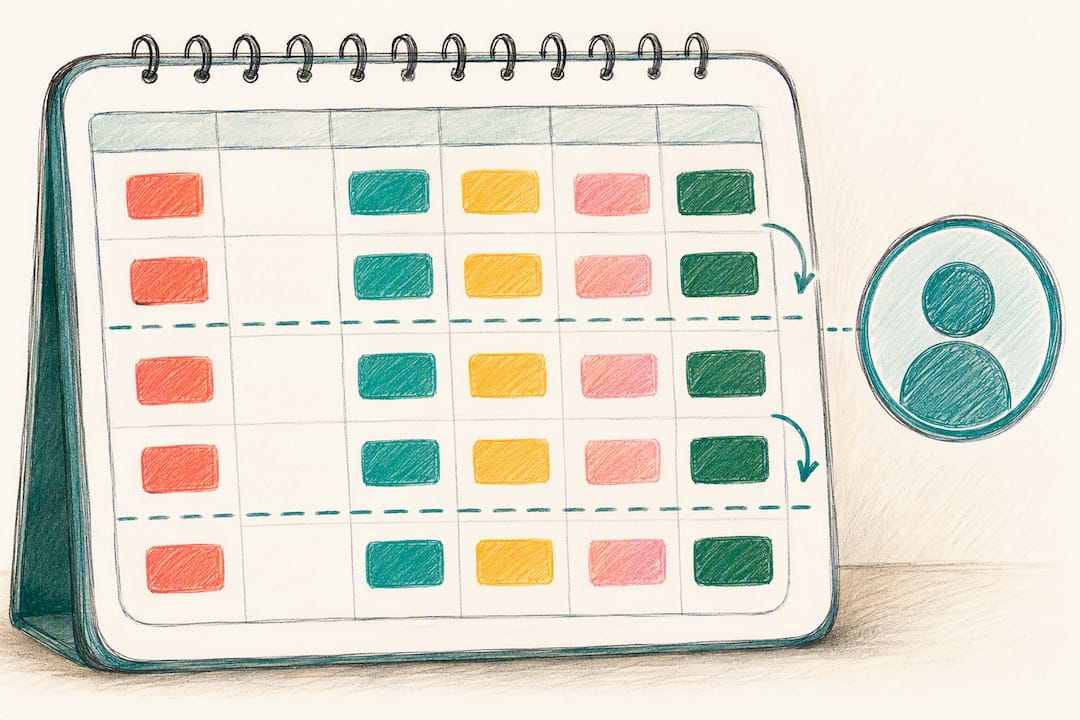
- Rotating sibling visit rota: every other Saturday, assigned to a colour-coded calendar layer so it’s obvious at a glance whose turn it is.
Templates only stay useful if someone checks them. A short weekly review, ten minutes on a Sunday evening, catches the appointment that’s crept up on nobody’s radar and the medication pickup that quietly got missed last month. Jot a one-line note after each visit (“BP a bit high, GP wants a recheck in a month”) so the next person to see mum isn’t starting from zero. Shared medication calendars work best with exactly this kind of weekly verification built in, rather than left to run unchecked for months.
Pro Tip: Assign one person as “calendar captain” for the month. It doesn’t need to be the same sibling every time, but someone should own the weekly check, or it tends to fall through the cracks between everyone assuming someone else has it covered.
Why recurring appointments matter more than they look
Recurring appointments look like a small scheduling feature, but for family carers they’re often the difference between a missed medication review and a caught one. The real value isn’t the repeat booking itself, it’s what it prevents: the sibling who didn’t know mum had a hospital appointment this week, the prescription that lapsed because nobody flagged the pickup date. A dedicated calendar layer for care-related appointments with one person acting as calendar captain solves more of this than any amount of extra reminders sent to an already-crowded inbox.
— KinCarer
How KinCarer keeps recurring appointments on track
KinCarer is built for exactly the coordination problem this guide describes: one shared care circle where recurring appointments, medication reminders, and handover notes all live in the same place, instead of scattered across separate calendars and group chats.
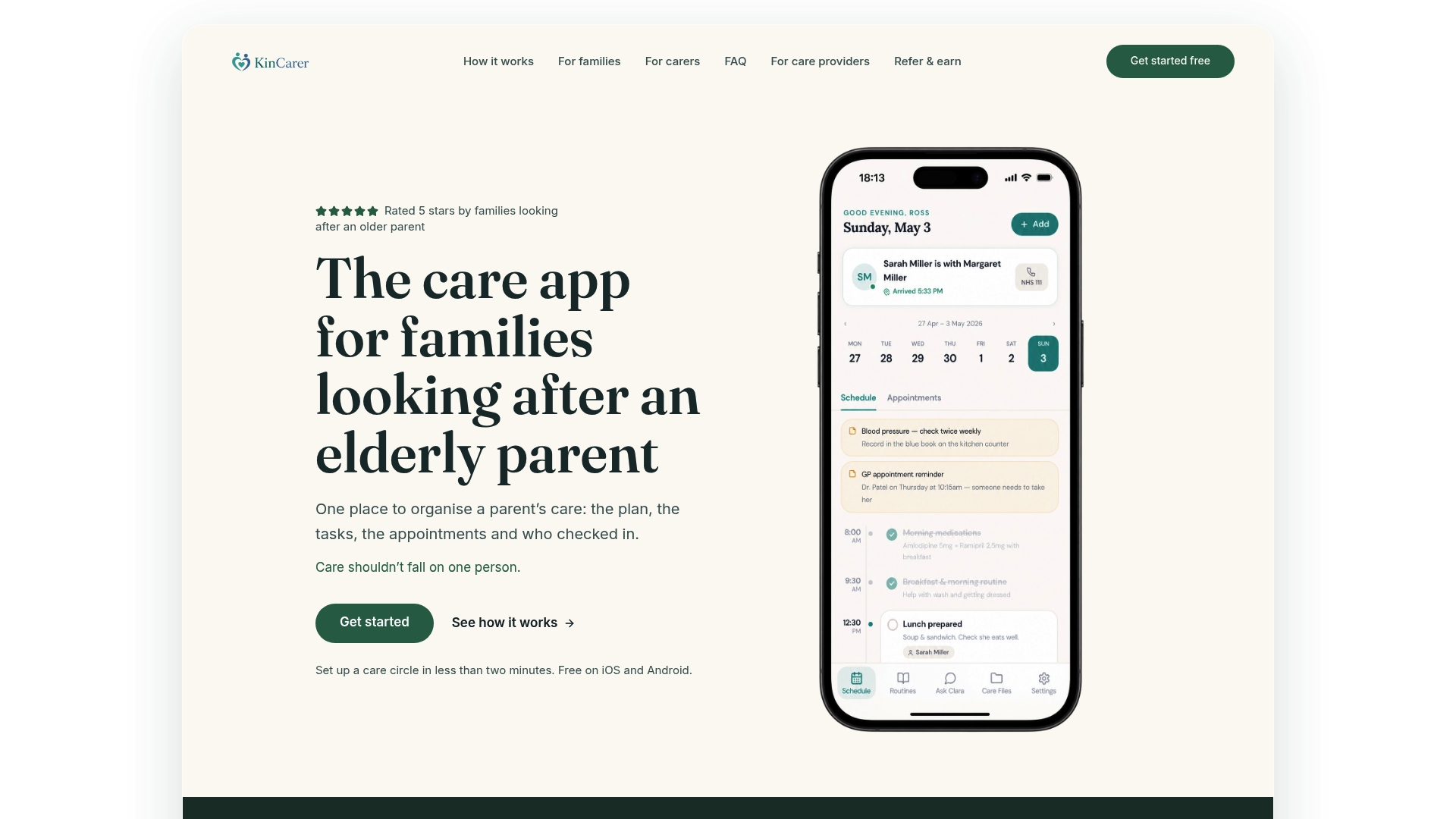
Every relative and any paid carer you invite sees the same recurring bookings and gets the same reminders, so nobody’s relying on a forwarded text message to know mum has a physio session on Tuesday. Clara, KinCarer’s built-in AI assistant, can search and summarise what’s in your care circle, including recurring appointment history, though it doesn’t give medical, legal or clinical advice. If you’re managing this alone or splitting it across siblings, the 14-day free trial is a practical starting point, then Family+ monthly or yearly. Care organisations coordinating with families can look at the Family+ options for organisations, priced with flexible subscription options per family. Visit KinCarer to set up your first shared recurring appointment today.
Sources
- Outpatients text reminder service | York and Scarborough Teaching Hospitals NHS Foundation Trust
- Proxy access standard for health and care services — implementation guidance
- Text reminders | Wrightington, Wigan and Leigh Teaching Hospitals
FAQ
What is a recurring appointment?
A recurring appointment is a single scheduled event that repeats automatically according to a pattern you set, such as weekly or monthly, rather than one you rebook manually each time. Once created, it appears on every future date in the series until it’s edited, cancelled, or reaches its end point.
Can you give me an example of a recurring calendar event?
A weekly Tuesday physiotherapy session at 10:00, set to repeat for 12 weeks, is a typical example. A monthly prescription pickup on the first Monday of each month is another common one for family carers managing an elderly relative’s care.
What’s a professional way to say “scheduling appointments”?
“Appointment management” or “automated scheduling” are the terms used in professional and business contexts, particularly when describing systems that handle bookings, reminders and calendar coordination together. Within care coordination specifically, this often falls under what apps like KinCarer describe as shared appointment tracking.
How do I schedule recurring appointments in Outlook?
Create a new calendar event, then change the “Does not repeat” dropdown to your chosen pattern (daily, weekly, monthly or custom) before setting the range as a fixed number of occurrences, an end date, or no end. Microsoft’s own guidance confirms that every recurring event needs both a pattern and a range to save correctly.